
TALENT: How do I activate text messaging notifications on my account?
This article provides step-by-step instructions for talent on Casting Frontier to enable SMS text notifications for auditions and self-tape requests. By following these steps, you can ensure you receive timely updates directly to your mobile device, helping you stay on top of your casting opportunities.
ARTICLE CONTENTS
How to Activate Text Messaging
Log into your account and click the Preferences tab located along the left side of your screen. From there, click the Text Messaging section at the top right. You will see a link that says Click to activate SMS Messages for auditions and self tape requests.
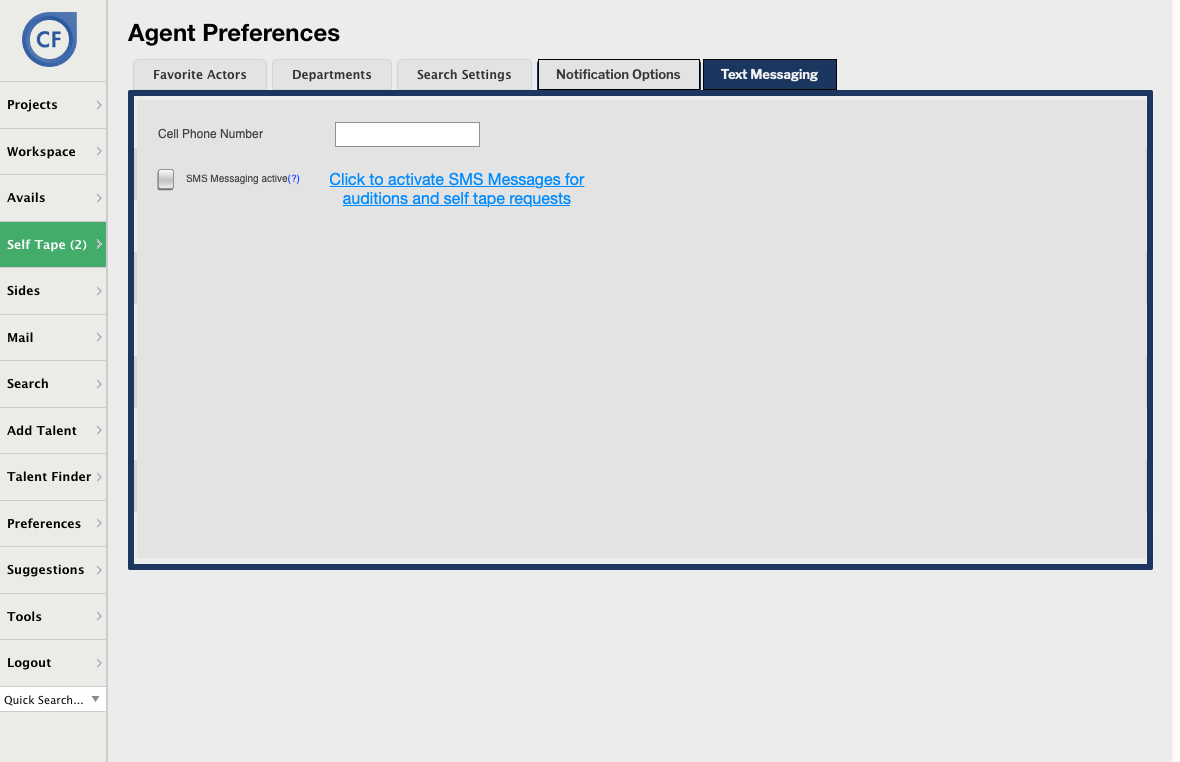
Click that link to go to the verification page.Enter the phone number where you want to receive notifications in the Current Phone Number box and click the Send Verification Link button.
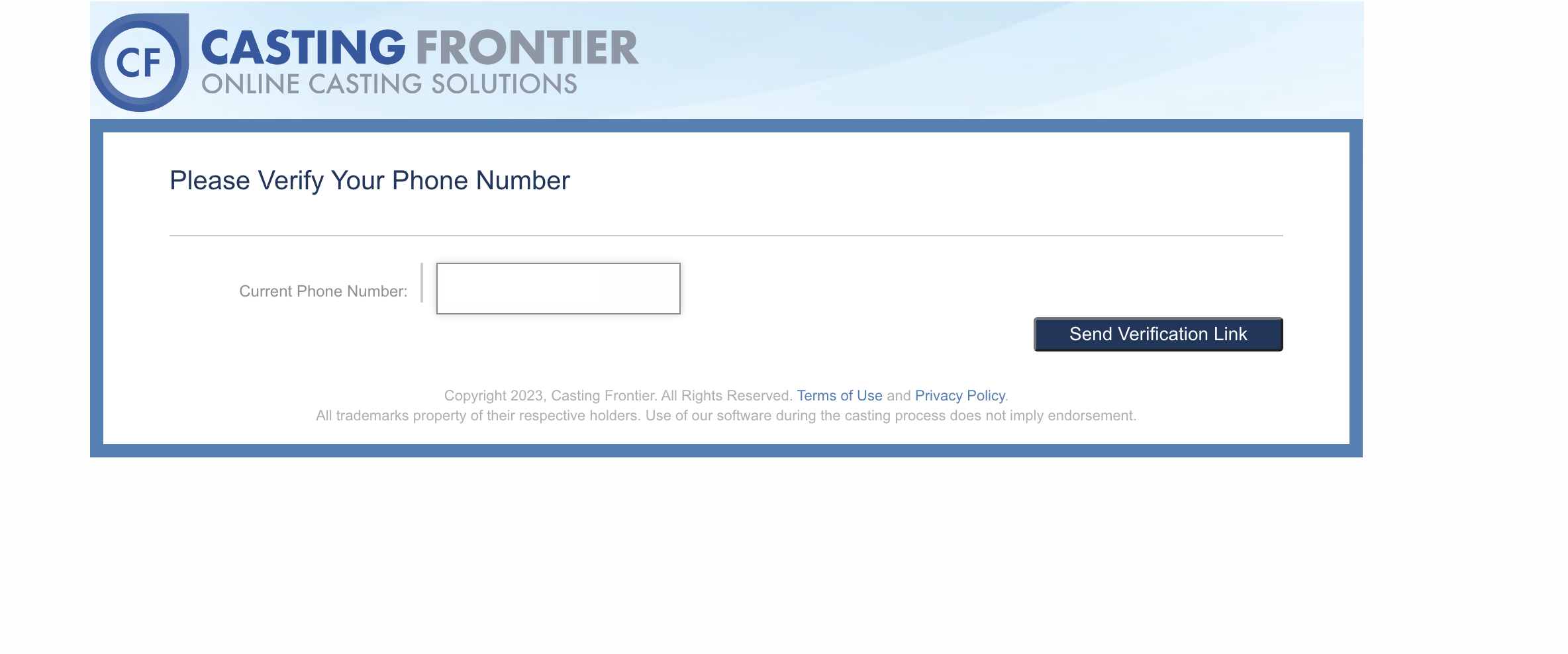
You will receive a text message containing a 6-digit verification code. Enter this code into the Please enter the code box.
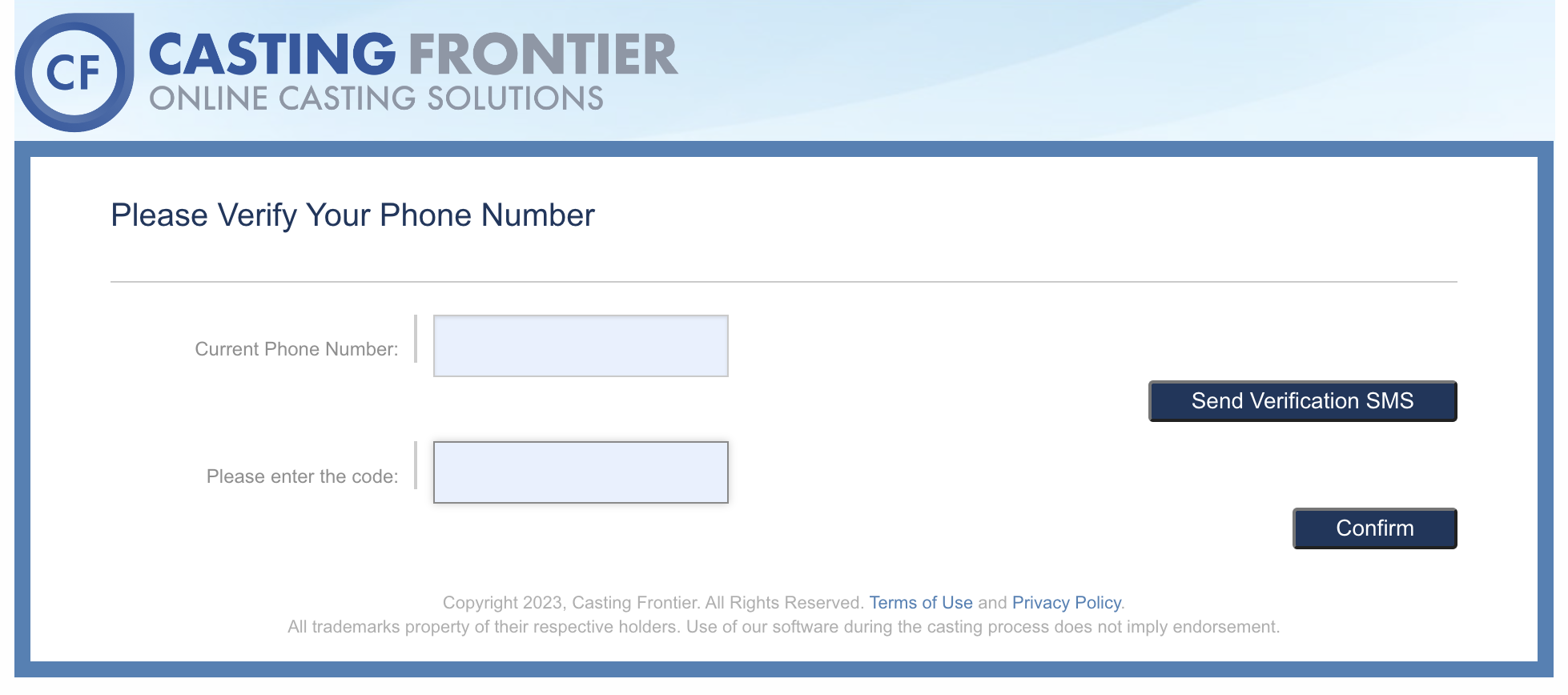
Once the code is entered, click the Confirm button to finish. You will see a confirmation banner on your Home page once text messaging is successfully activated!