
TALENT REPRESENTATIVE: How do I communicate with a Casting Director regarding auditions or callbacks?
Edited
This guide explains how to use the Workspace to confirm schedules, notify talent, and chat directly with casting regarding times and availability. The Workspace page serves as your central hub for managing all active auditions for current projects.
Using the Workspace
To communicate with a Casting Director after receiving an online audition or callback, you will need to access the Workspace tab located in the main navigation bar.
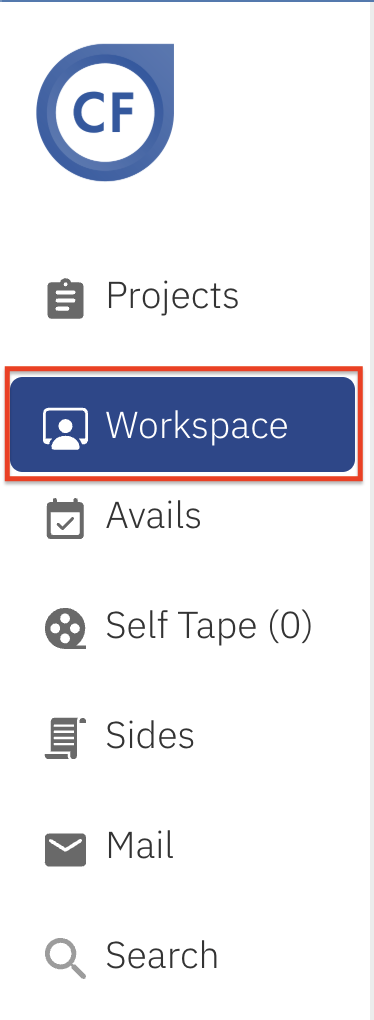
Selecting Workspace takes you to a general page for all active auditions. This page allows you to:
Confirm or cancel appointments.
Notify talent of updates.
View confirmations and cancellations.
Chat with casting regarding audition times and avails.
Representative
Communicate
Callback
Audition
Was this article helpful?
Sorry about that! Care to tell us more?