CASTING DIRECTOR: How do I Email Talent Via a Bin?
This article is for Casting Directors using Casting Frontier. It explains how to generate a shareable link to a talent bin so you can send selected talent profiles to clients, producers, or directors for review via email.
Emailing a Talent Bin
To share a bin of talent via email, please follow the instructions below:
Log in to your Casting Director account.
Select your project and click on the desired Talent Bin.
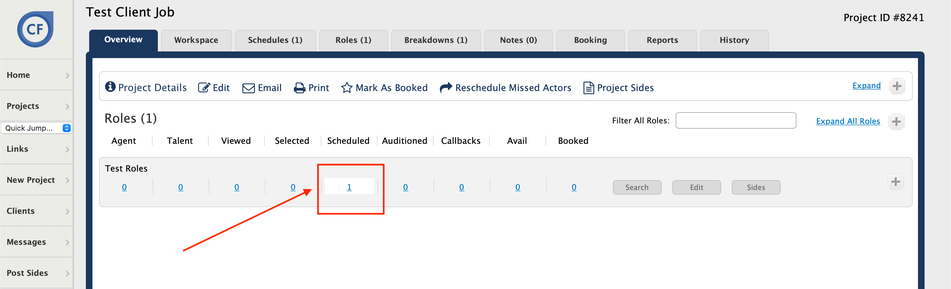
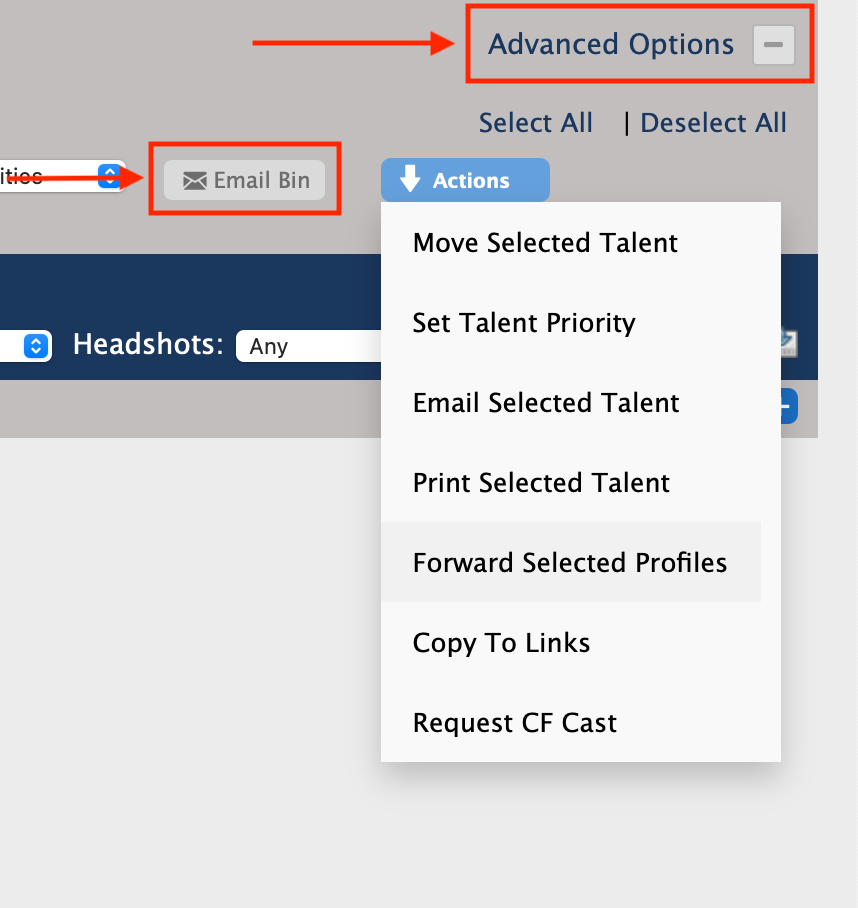
Click on Advanced Options.
Click on the Email Bin button.
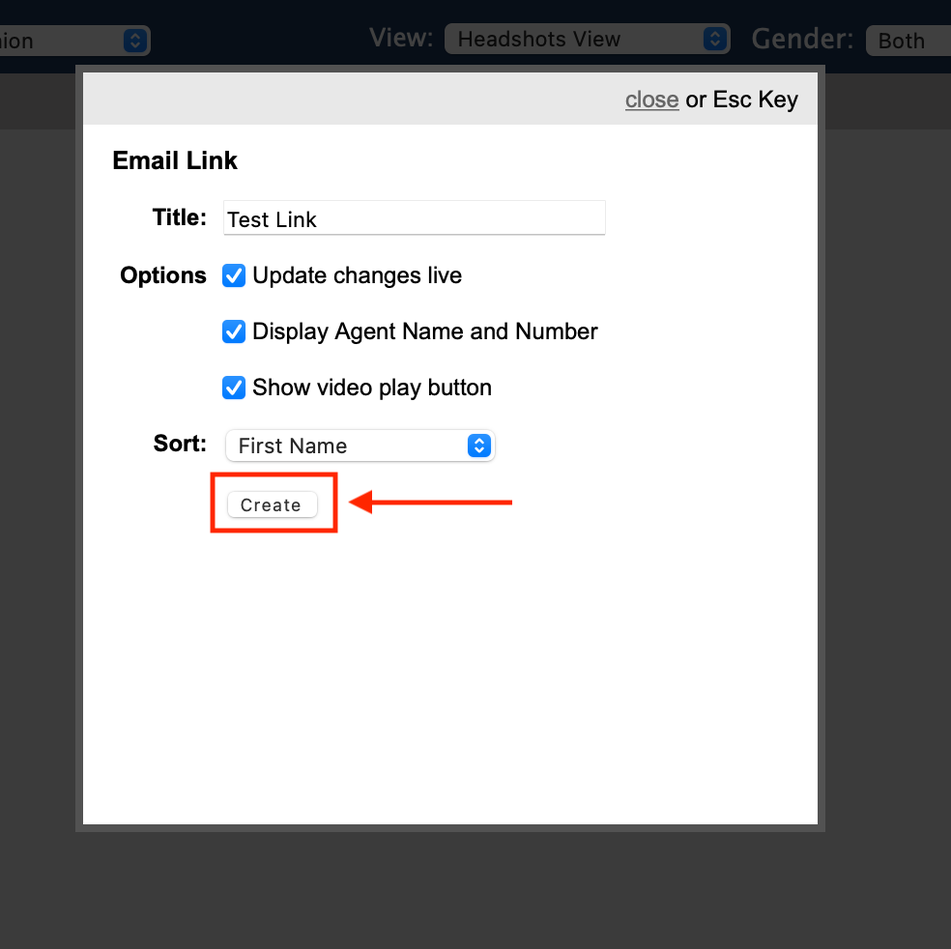
Enter a name for the Email link.
Check off the desired optional check boxes (e.g., to hide contact information).
Choose a sort option for how the talent should appear.
Click the Create button.
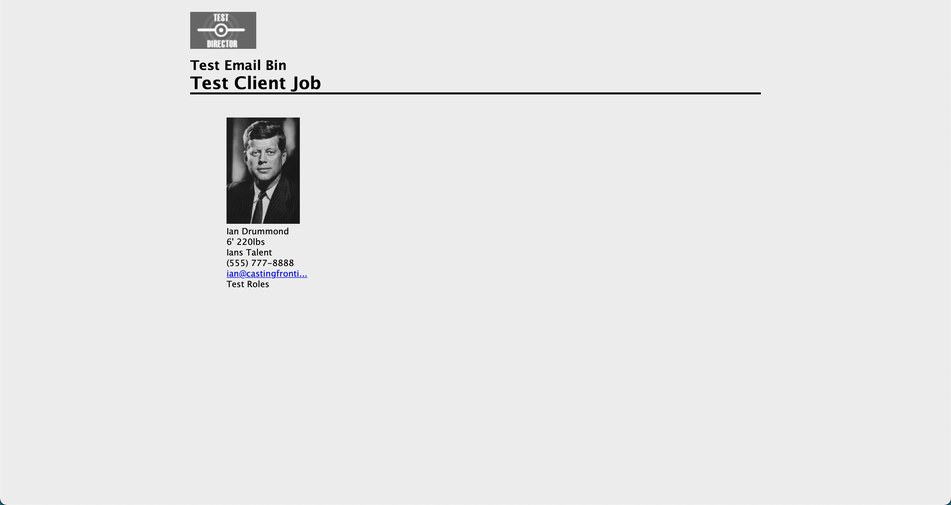
You may now copy and paste the generated link into your email program to send to clients, producers, etc.
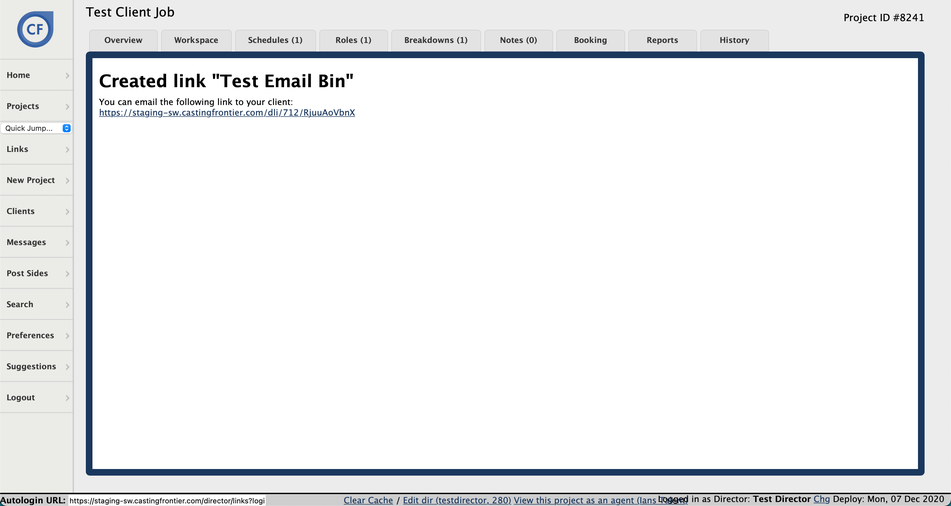
Click on the link to review the client view before sending.