
TALENT: What are the different Casting Frontier membership levels?
This article provides an overview of the three membership options available on Casting Frontier—Basic, Premium, and Premium Plus—to help you decide which level best supports your casting needs and career goals.
Basic Membership
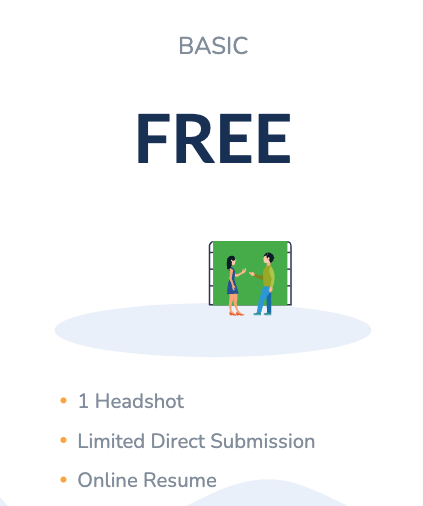
The Basic membership is a free option that allows you to establish a presence on the platform. It includes the following features:
Display 1 headshot on your profile.
Enter your resume and special skills.
Make self-submissions to non-paying jobs posted on the Direct Submit Board.
Be submitted to projects by your talent representatives.
The ability to swap your headshot for a $9.99 fee.
Premium Membership
The Premium membership includes everything offered in the Basic tier, plus expanded media and submission capabilities:
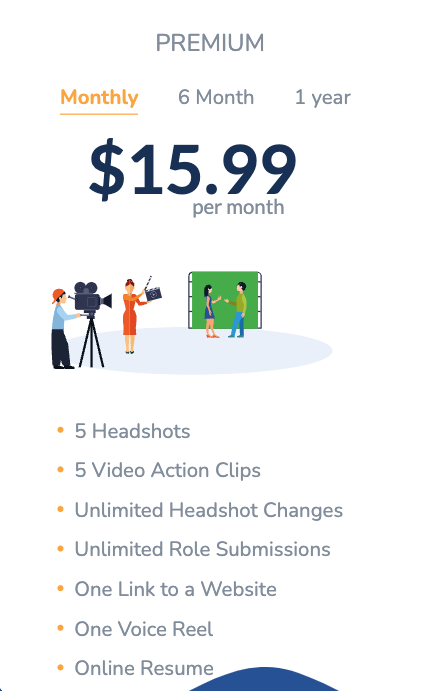
Display up to 5 headshots, 5 videos, and 1 voice reel.
Unlimited media swaps at no additional charge.
Self-submit to any roles listed on the Direct Submit Board.
Include a link to an external website on your profile.
Subscription Pricing
Monthly: $15.99
6 Months: $83.94
Annual: $149.99
Premium Plus Membership
Premium Plus is the most comprehensive tier, designed for talent who require unlimited media storage and custom branding. It includes everything in the Premium tier, plus:
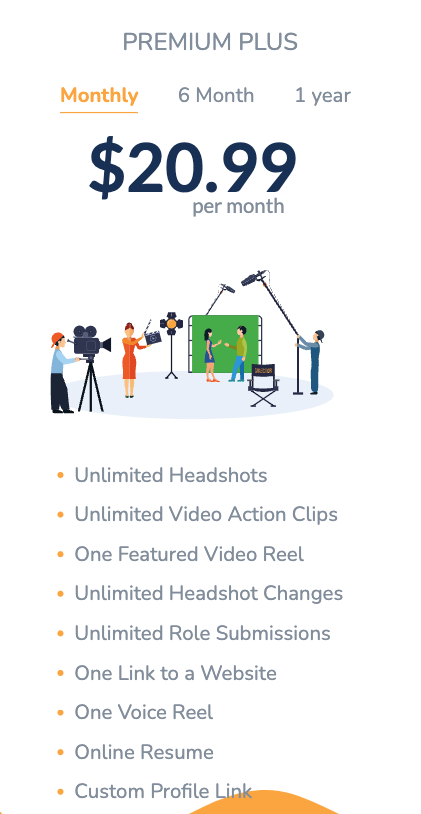
Display unlimited headshots and videos.
Select and feature a specific video reel on your profile.
Create a custom URL link to your Casting Frontier profile.
Subscription Pricing
Monthly: $20.99
6 Months: $109.99
Annual: $199.99
SAG Active Member Discount: $159.99 per year
How to Upgrade
If you are ready to add services or move to a higher membership tier, follow these steps:
Log in to your Casting Frontier account.
Locate the Upgrade button on your account dashboard.
Select your preferred membership level and billing cycle.
Complete the checkout process to activate your new features.